How a Frozen Phone Screen Could Signal UPI Fraud: Experts Advise Caution
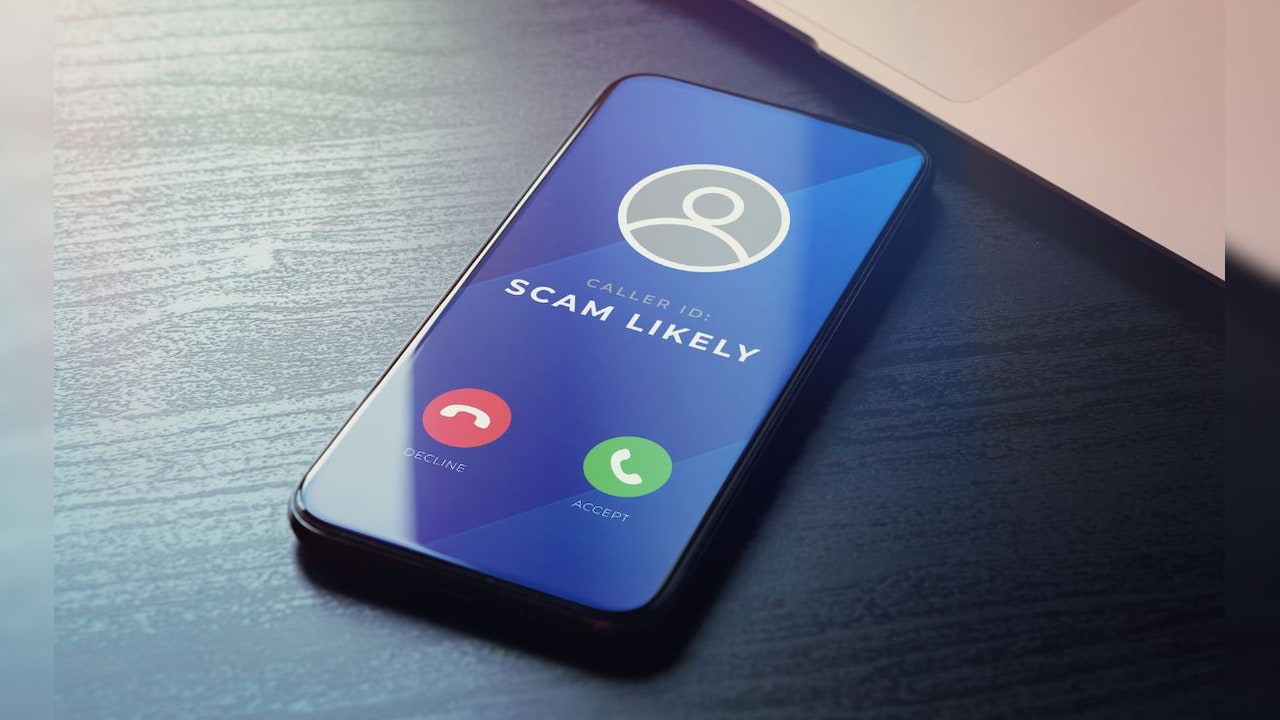
When a phone freezes after clicking an unfamiliar link or advertisement, many users dismiss it as a technical glitch. However, cybersecurity experts are warning that such incidents can be part of a growing digital fraud method, where the frozen screen is used to distract the user while fraudsters attempt to access sensitive financial information.
According to Harish Kumar, CEO of Quick Heal Technologies, the frozen screen is often "not the real event, but the distraction." Fraudsters may use fake error messages, advertisements, or calls from people posing as customer support representatives to convince victims that something is wrong with their phone, banking application, or UPI account. Victims may then be persuaded to download an APK disguised as a reward, cashback, verification, or service application.
Once such an app is installed, it can abuse accessibility, notification, and other permissions to monitor device activity, read OTPs, control elements of the screen, and even simulate user actions. Kumar refers to the India Cyber Threat Report 2026 by Seqrite Labs, which documents how fake service and utility applications request access to SMS, calls, and notifications to harvest sensitive information.
Fraudsters are not necessarily trying to break UPI's underlying security mechanisms, explains Ruchin Kumar, Vice President - South Asia at Futurex. Instead, they typically seek to compromise the device, credentials, authentication factors, or the transaction flow itself. This could involve intercepting SMS-based OTPs, stealing banking credentials through fake applications or phishing pages, abusing Android accessibility permissions, or using screen-sharing applications to observe the victim in real time. In some cases, social engineering alone is sufficient, with the victim unknowingly entering their UPI PIN or approving a fraudulent transaction.
This makes such transactions difficult to distinguish from legitimate ones. The victim may have technically authenticated the payment, even if that authentication was obtained through manipulation or device compromise.
The problem extends beyond banking applications. Ravindra Singh, Managing Director of Delcom Telesystems, notes that the device, applications, and user are all part of the security chain. Fraudsters are increasingly exploiting trust in technology by creating urgency around a supposed technical issue and then persuading users to install remote-access, screen-sharing, or verification applications.
Given this threat, the immediate response after a suspicious freeze is critical. Users should disconnect mobile data and Wi-Fi, avoid entering banking credentials or UPI PINs, and refrain from following instructions from unsolicited callers who claim to provide technical support. Suspicious applications should be removed, unnecessary accessibility and device-administration permissions should be revoked, and the device should be scanned using a trusted security solution.
If financial information may have been compromised, users should contact their bank through an official channel, check recent transactions, change relevant credentials from a clean device, and report suspected financial fraud through the national helpline number 1930.
As digital payments become more embedded in daily life, the security of a transaction depends on more than authentication alone. Strong device security, secure applications, fraud monitoring, and informed user behaviour must all work together. Understanding the tactics behind schemes like the frozen-screen fraud is the first step toward avoiding them.